
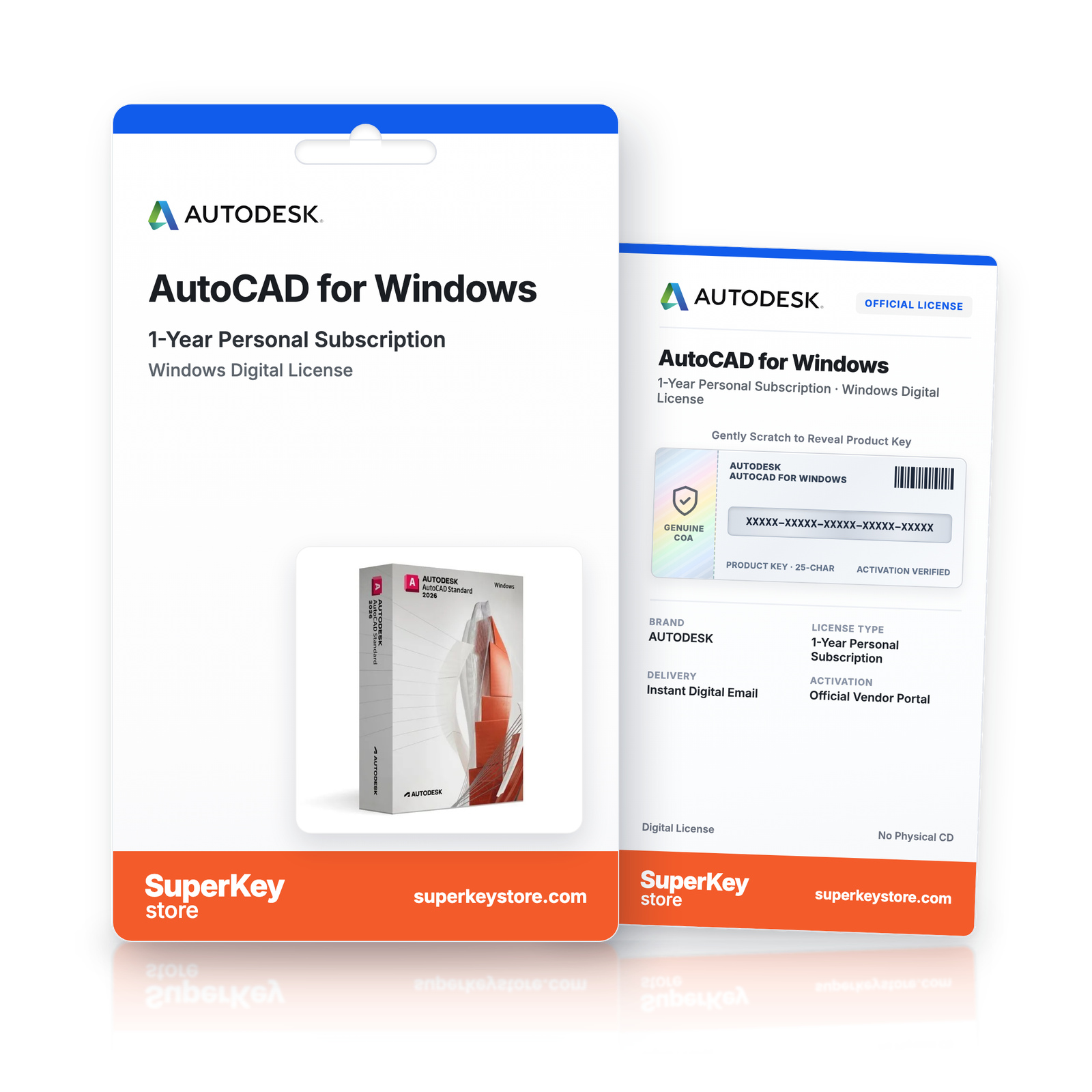
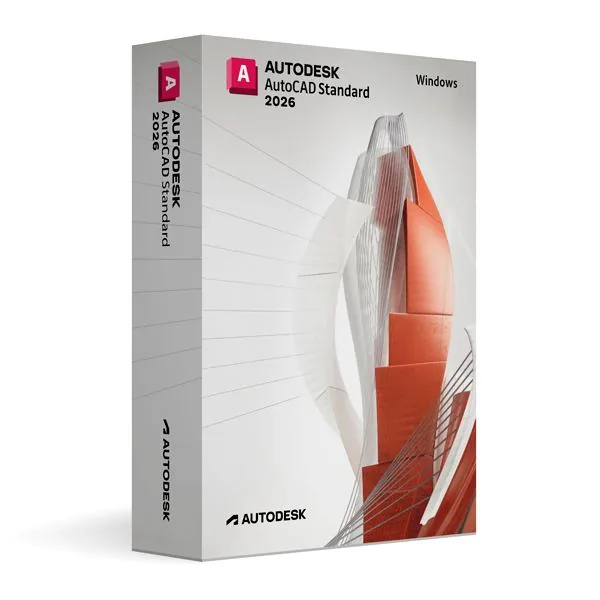

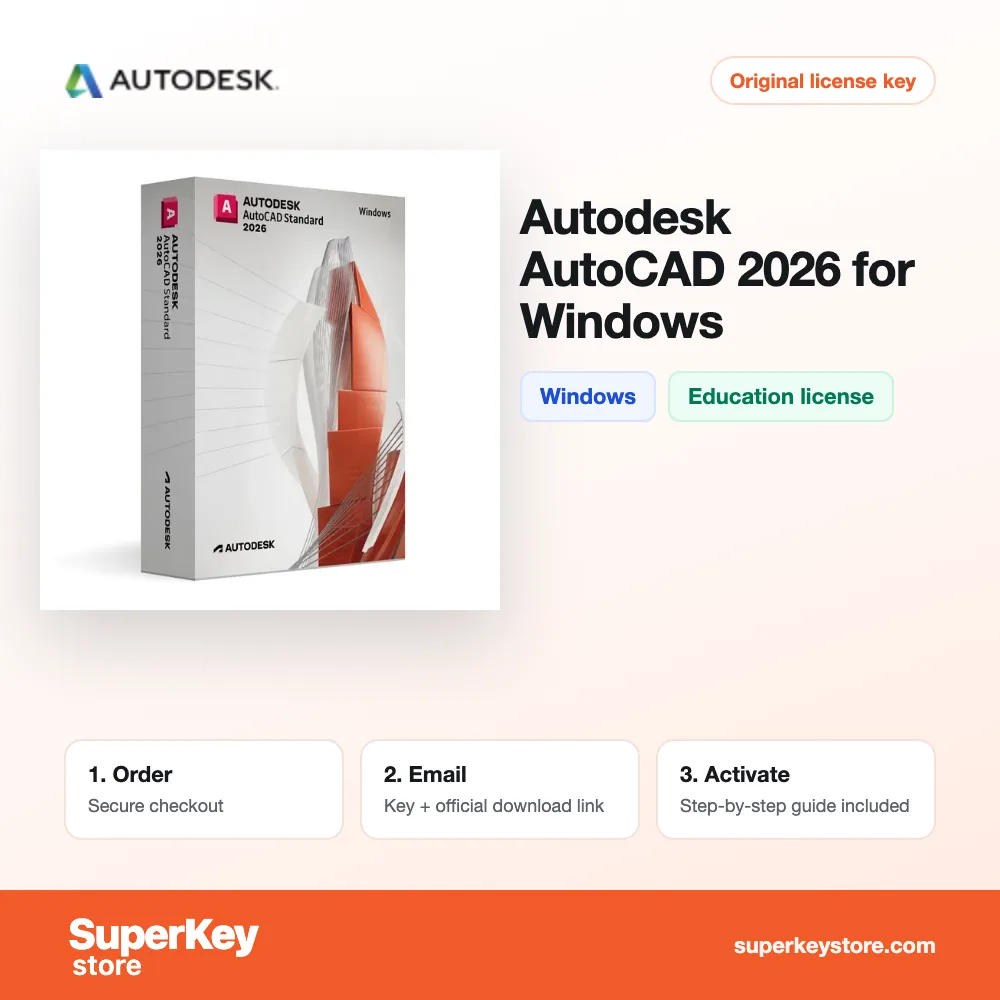
Autodesk AutoCAD for Windows (1-Year Personal Subscription)
€66.98
Before purchasing, please read this important information
Delivered by email, usually within minutes of payment
- Sold by:
- Region:
- GLOBAL (EEA / UK Verified)
- License:
- Personal / Educational Licence: 1-year subscription (Non-commercial)
- Languages:
- All Languages Included
- Support:
- WhatsApp: +1 270 523 948610:00–17:00 CET (Mon–Sun)
Personal consultation
Not sure which licence is right for you? We help private customers and businesses alike, before you buy.
Key Features
Buy Autodesk AutoCAD for Windows License Key on SuperKeyStore: original product key, free technical support and a replacement-or-refund guarantee for faulty keys. 2D drafting, 3D modeling, dynamic blocks, parametric constraints and annotation tools for architecture, engineering and mechanical design. Delivered by email, usually within minutes of payment.
Buy Autodesk AutoCAD for Windows
You get an Autodesk AutoCAD for Windows license key, the download link and activation steps by email. Autodesk AutoCAD for Windows is an educational, non-commercial edition of Autodesk’s 2D and 3D CAD software for Windows, used for drafting, modeling and technical documentation. No box or DVD is shipped.
| Detail | Value |
|---|---|
| Product | Autodesk AutoCAD for Windows |
| Developer | Autodesk |
| Category | AutoCAD |
| Platform | Windows |
| Versions | 2024, 2025, 2026, 2027 (choose the year above) |
| Licence | 1-year personal subscription (non-commercial) |
| Delivery | License key and download link by email |
What does AutoCAD for Windows do?
AutoCAD creates 2D drawings and 3D models for architecture, engineering and manufacturing. It is Autodesk’s main CAD application. This edition runs on Windows. It is licensed for personal, non-commercial use under an educational license and has no watermarks on output.
What are the main features of AutoCAD?
The main features cover precise drafting, 3D modeling and reusable drawing content. AutoCAD includes these tools:
- Precision drawing aids: snap, grid and object tracking for exact geometry.
- 3D modeling: creates solid, surface and mesh models.
- Dynamic blocks: reuse components that change size and shape.
- Parametric constraints: keep geometry tied to defined rules and dimensions.
- Templates and annotation: keep layouts, text and dimensions consistent.
What is the difference between AutoCAD and AutoCAD LT?
AutoCAD supports 2D and 3D work, while AutoCAD LT is limited to 2D drafting. The table compares related products:
| Product | Platform | Scope |
|---|---|---|
| AutoCAD | Windows | 2D drafting and 3D modeling |
| AutoCAD LT | Windows | 2D drafting only |
| AutoCAD | macOS | 2D drafting and 3D modeling |
For 2D drawings only, the Autodesk AutoCAD LT for Windows edition is enough.
Who should use AutoCAD for Windows?
It is for students, educators and hobbyists who want to learn professional CAD. It suits architectural plans, engineering diagrams and mechanical parts. Specialized toolsets for architecture, electrical and MEP design are listed in the AutoCAD category.
Why buy Autodesk AutoCAD for Windows from SuperKeyStore?
Buying Autodesk AutoCAD for Windows at SuperKeyStore includes:
- Licence term: a 1-year personal subscription for learning, teaching and non-commercial projects.
- Original license: an original Autodesk AutoCAD for Windows license key, activated through Autodesk’s official activation.
- Education license: for students and teachers, for personal and non-commercial use.
- Platform: Windows.
- Email delivery: the license key and the official download link arrive by email, usually within minutes of payment (some orders get a security check of up to 24 hours).
- Free technical support: our team helps by email with installation and activation ([email protected]).
- Replacement or refund: if the key does not work, you get a working key or your money back, as set out in our Refund Policy.
How do you redeem your Autodesk AutoCAD for Windows key?
You redeem the key in a few steps after the order email arrives. The redemption guide for Autodesk AutoCAD for Windows is:
- Open your order email: it contains your license details and the instructions for your Autodesk account.
- Sign in to (or create) your free Autodesk account at accounts.autodesk.com as described in the email.
- Download AutoCAD from your Autodesk account (Products and Services) or with the official link in your email.
- Run the installer, then start AutoCAD and sign in with the same Autodesk account to activate it.
Your key also stays in your order email and under My account.
System Requirements
| Operating system | Windows 11 or Windows 10 (64-bit) |
|---|---|
| Processor | 2.5-2.9 GHz (3+ GHz recommended), ARM processors not supported |
| Memory RAM | 8 GB (32 GB recommended) |
| Disk space | 10 GB (SSD recommended) |
| Graphics | 2 GB GPU with DirectX 11 (8 GB GPU with DirectX 12 recommended) |
| Display | 1920 x 1080 with True Color |
| NET Framework | .NET Framework 4.8 or later |
| Internet | Required for download and activation |
Download & Activation
Download Autodesk AutoCAD for Windows with SuperKeyStore
Buying Autodesk AutoCAD for Windows takes a minute: add it to your cart, pay through our secure, encrypted checkout and you receive your product key and the official download link by email, usually within minutes. Everything you need is in your order email, together with these instructions.
How to install and activate Autodesk AutoCAD for Windows
- Open your order email: it contains your license details and the instructions for your Autodesk account.
- Sign in to (or create) your free Autodesk account at accounts.autodesk.com as described in the email.
- Download AutoCAD from your Autodesk account (Products and Services) or with the official link in your email.
- Run the installer, then start AutoCAD and sign in with the same Autodesk account to activate it.
Stuck at any step? Email [email protected] with your order number and a screenshot. Our support is free, and if a key does not work we send a replacement or refund you, as set out in our Refund Policy.
Why choose Autodesk AutoCAD for Windows
AutoCAD is a 2D and 3D CAD software for architects, engineers, product designers, students and teachers. Highlights: Precise 2D drafting, dimensioning and annotation; 3D solid, surface and mesh modeling with visualization; Native DWG format, the industry standard for drawings.
More software at SuperKeyStore
Popular with this product: Windows 11 Pro, Office Professional Plus, Microsoft 365 Personal. Browse all Microsoft Office, antivirus software, money-saving bundles and Microsoft apps.
Digital delivery
All our products are delivered digitally by email: no shipping costs, no waiting for a parcel and no packaging waste. Your key is stored in your order email and, if you created one, in your account, so you can find it again at any time.
FAQ
What is an educational license?
It is a license for personal, non-commercial use such as learning, teaching and personal projects. AutoCAD has the full functionality of the commercial version and the output is identical, without watermarks.
Can I use it for commercial work?
No. The educational license may not be used for paid or commercial projects. Contact us if you need a commercial license.
Which operating system does it run on?
This edition runs on Windows. It does not run on macOS; choose the matching edition for another system.
On how many computers can I use it?
The license is for 1 user. Contact us before buying if you need licenses for several people.
Where do I download the software?
From the official Autodesk website or the official link in your order email. The Download & Activation tab explains every step.
Do I need an internet connection?
Yes, to download and activate the software and to sign in regularly.
How fast will I receive my key?
By email, usually within minutes of payment. Some orders go through a short security check that can take up to 24 hours. Please check your spam folder too.
What if my key does not work?
Email us your order number and a screenshot of the error. We send a replacement or refund you, as described in our Refund Policy.
More questions? See our FAQ, Refund Policy or contact us.
- Free supportBy email
- Instant deliveryKey in minutes
- Secure paymentsEncrypted checkout
- Genuine licensesOfficial activation
- Working-key guaranteeReplacement or refund
Chosen for you
View all Graphisoft Archicad 29 for Windows€133.98+ Add
 SolidWORKS Standard 2026 for Windows€133.98+ Add
 Autodesk AutoCAD MEP Commercial (1-Year Commercial Subscription)€39.98 €79.98+ Add
 Autodesk AutoCAD for Mac (1-Year Personal Subscription)€66.98 €160.98+ Add
 Graphisoft Archicad 30 for Mac (Education)€160.98+ Add
Reviews
There are no reviews yet.