
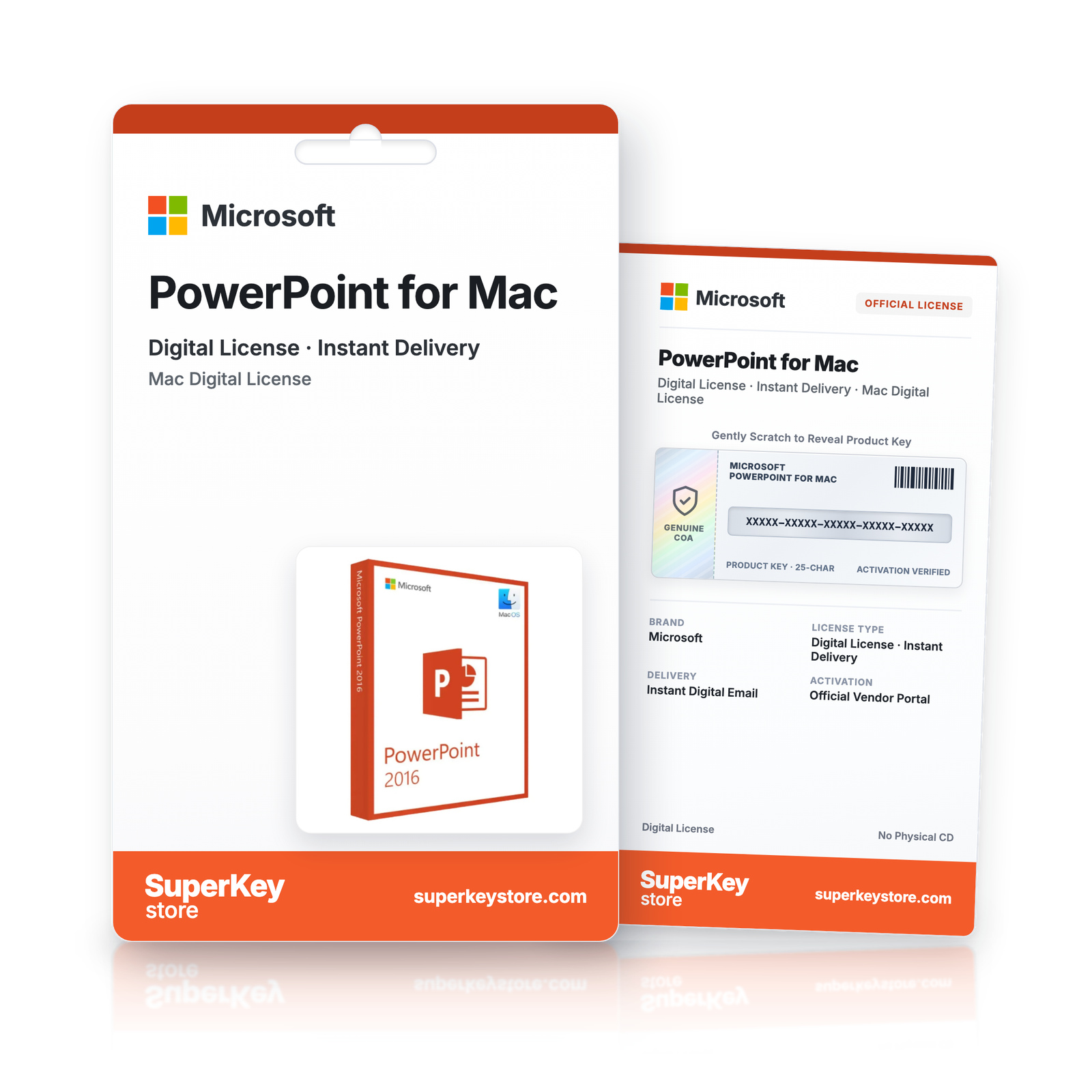

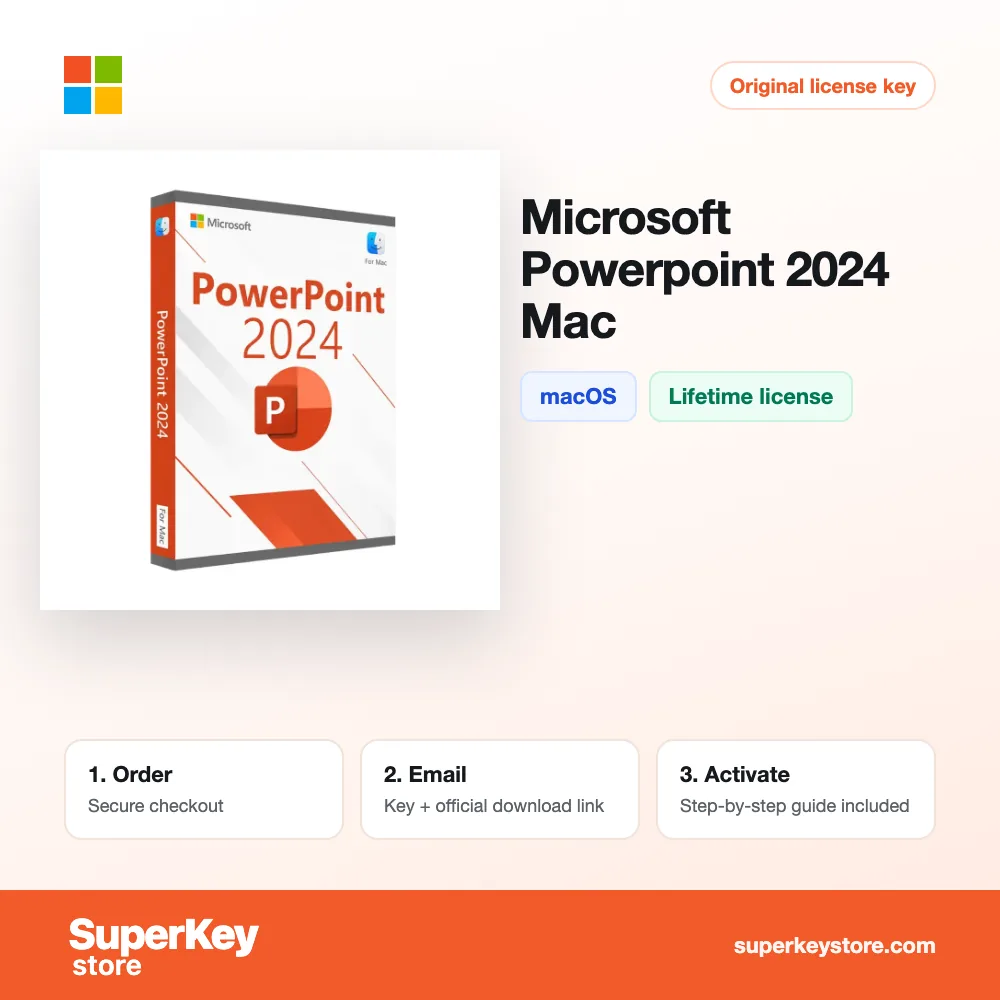
Microsoft PowerPoint for Mac
€22.98-40% OFF
Before purchasing, please read this important information
Delivered by email, usually within minutes of payment
- Sold by:
- Region:
- GLOBAL (EEA / UK Verified)
- License:
- Perpetual licence (one-time purchase)
- Languages:
- All Languages Included
- Support:
- WhatsApp: +1 270 523 948610:00–17:00 CET (Mon–Sun)
Personal consultation
Not sure which licence is right for you? We help private customers and businesses alike, before you buy.
Key Features
Buy Microsoft PowerPoint for Mac License Key on SuperKeyStore: original product key, free technical support and a replacement-or-refund guarantee for faulty keys. Themes, animations, charts, media and Presenter View for slide presentations on macOS, without a subscription. Delivered by email, usually within minutes of payment.
Buy Microsoft PowerPoint for Mac
You get a Microsoft PowerPoint for Mac license key (one-time purchase), the download link and activation steps by email. Microsoft PowerPoint for Mac is the standalone one-time-purchase version of Microsoft PowerPoint for macOS, used to build and deliver slide presentations on a Mac. No box or DVD is shipped.
| Detail | Value |
|---|---|
| Product | Microsoft PowerPoint for Mac |
| Developer | Microsoft |
| Category | Office 2024 |
| Platform | macOS |
| License | Lifetime (one-time purchase) |
| Versions | 2016, 2019, 2021, 2024 (choose the version above) |
| Delivery | License key and download link by email |
What is Microsoft PowerPoint for Mac?
PowerPoint for Mac is the presentation app from Office 2024, sold as a single app for macOS. It is a one-time purchase with no subscription. It suits business, education, training and sales work. The license does not include other Office apps.
What are the main features of PowerPoint for Mac?
PowerPoint offers tools to design slides and present them with confidence. The main features are:
- Design tools: provide layouts, themes and formatting options for clean slides.
- Animations and transitions: guide the audience through each idea step by step.
- Charts and media: insert charts, tables, images, icons and video.
- Presenter View: shows speaker notes, slide previews and timing tools.
- Recording: saves a presentation with narration and camera video.
What is the difference between PowerPoint and PowerPoint for Mac?
PowerPoint is the newer release and adds updates that appeared in Microsoft 365 after 2021. The table compares the two versions:
| Detail | PowerPoint for Mac | PowerPoint for Mac |
|---|---|---|
| License | One-time purchase | One-time purchase |
| Support period | Ends earlier | Runs longer |
| Core slide tools | Yes | Yes, with later updates |
Choose 2024 if you want the longest security support for a standalone app.
Which systems does PowerPoint for Mac support?
This version runs on current macOS releases on Intel and Apple silicon Macs. It does not run on Windows. PC users need Microsoft PowerPoint. Other single apps such as Excel and Outlook are in the Office 2024 category.
Why buy Microsoft PowerPoint for Mac from SuperKeyStore?
Buying Microsoft PowerPoint for Mac at SuperKeyStore includes:
- Original license: an original Microsoft PowerPoint for Mac license key, activated through Microsoft’s official activation.
- One-time purchase: pay once and keep using Microsoft PowerPoint for Mac. No subscription like Microsoft 365.
- Platform: macOS.
- Email delivery: the license key and the official download link arrive by email, usually within minutes of payment (some orders get a security check of up to 24 hours).
- Free technical support: our team helps by email with installation and activation ([email protected]).
- Replacement or refund: if the key does not work, you get a working key or your money back, as set out in our Refund Policy.
How do you redeem your Microsoft PowerPoint for Mac key?
You redeem the key in a few steps after the order email arrives. The redemption guide for Microsoft PowerPoint for Mac is:
- Uninstall any other version of the same Microsoft app and restart your computer.
- Download the installer with the official link in your order email.
- Install the app, open it and choose I have a product key (or go to File > Account).
- Enter your 25-character product key: the app activates online within seconds.
Your key also stays in your order email and under My account.
System Requirements
| Operating system | One of the three most recent macOS versions (Intel or Apple silicon) |
|---|---|
| Processor | Intel processor or Apple silicon (M1 or later) |
| Memory (RAM) | 4 GB |
| Hard disk | 10 GB of free space (HFS+ or APFS formatted) |
| Display | 1280 x 800 resolution |
| Internet | Required for download and activation |
Download & Activation
Download Microsoft PowerPoint for Mac with SuperKeyStore
Buying Microsoft PowerPoint for Mac takes a minute: add it to your cart, pay through our secure, encrypted checkout and you receive your product key and the official download link by email, usually within minutes. Everything you need is in your order email, together with these instructions.
How to install and activate Microsoft PowerPoint for Mac
- Uninstall any other version of the same Microsoft app and restart your computer.
- Download the installer with the official link in your order email.
- Install the app, open it and choose I have a product key (or go to File > Account).
- Enter your 25-character product key: the app activates online within seconds.
Stuck at any step? Email [email protected] with your order number and a screenshot. Our support is free, and if a key does not work we send a replacement or refund you, as set out in our Refund Policy.
Why choose Microsoft PowerPoint for Mac
Microsoft PowerPoint is a presentation program for home users, students and professionals. Highlights: Professional themes and Designer layouts; Morph transitions and animations; Presenter view and recording.
More software at SuperKeyStore
Popular with this product: Windows 11 Pro, Office 2024 Professional Plus, Microsoft 365 Personal. Browse all antivirus software and money-saving bundles.
Digital delivery
All our products are delivered digitally by email: no shipping costs, no waiting for a parcel and no packaging waste. Your key is stored in your order email and, if you created one, in your account, so you can find it again at any time.
FAQ
Is Microsoft PowerPoint a subscription?
No. It is a one-time purchase: you pay once and keep using the software.
Which operating system does it run on?
This edition runs on macOS. It does not run on Windows; choose the matching edition for another system.
On how many computers can I use it?
The license is for 1 user. Contact us before buying if you need licenses for several people.
Where do I download the software?
From the official Microsoft website or the official link in your order email. The Download & Activation tab explains every step.
Do I need an internet connection?
Yes, to download and activate the software.
How fast will I receive my key?
By email, usually within minutes of payment. Some orders go through a short security check that can take up to 24 hours. Please check your spam folder too.
What if my key does not work?
Email us your order number and a screenshot of the error. We send a replacement or refund you, as described in our Refund Policy.
More questions? See our FAQ, Refund Policy or contact us.
- Free supportBy email
- Instant deliveryKey in minutes
- Secure paymentsEncrypted checkout
- Genuine licensesOfficial activation
- Working-key guaranteeReplacement or refund
Chosen for you
View all Microsoft Office 2019 Home & Business for Windows Original price was: €199.98.€119.98Current price is: €119.98.+ Add
 Microsoft Excel for Windows€22.98 €133.98+ Add
 Microsoft Office 2019 Home & Student for Mac€64.98+ Add
 Microsoft Office 2016 Home & Student for Mac€40.98+ Add
 Microsoft Access for Windows€53.98 €107.98+ Add
Reviews
There are no reviews yet.