

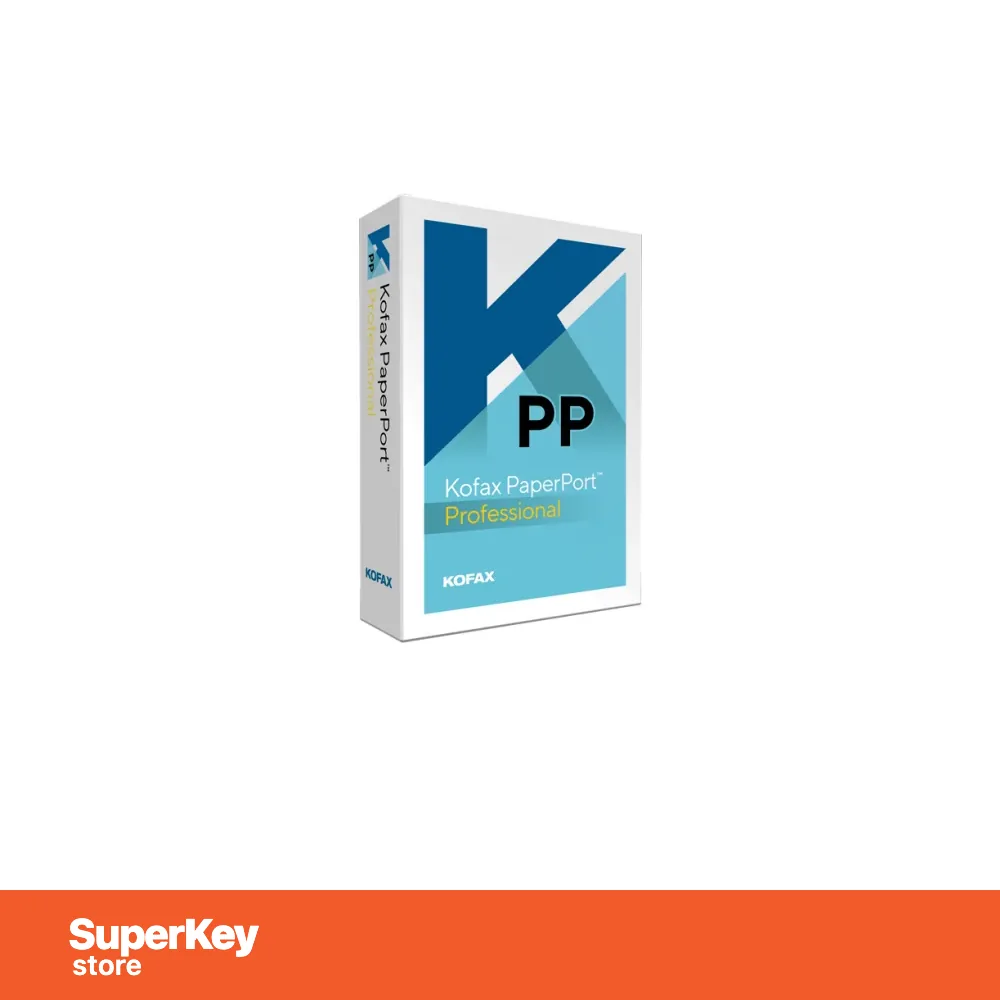
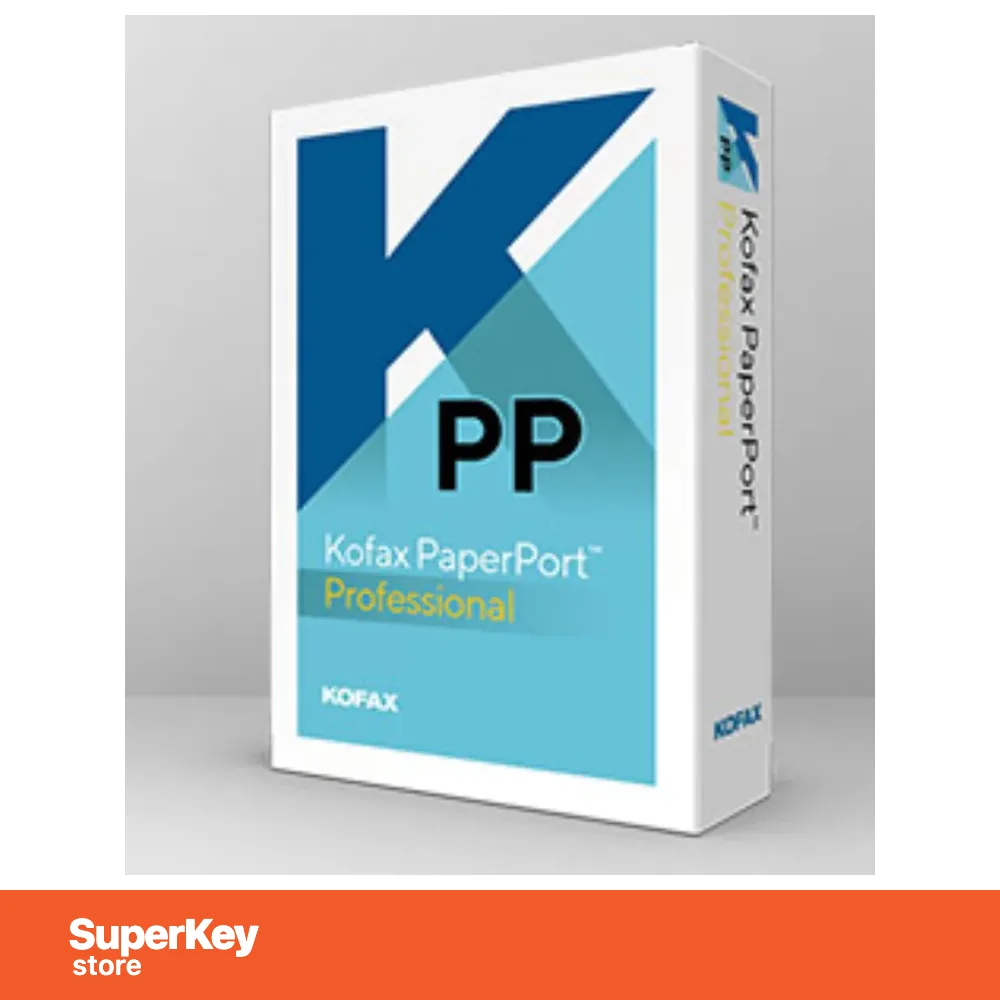
PaperPort Professional
Original price was: €78.98.€66.98Current price is: €66.98.-15% OFF-32% OFF
Before purchasing, please read this important information
Delivered by email, usually within minutes of payment
- Sold by:
- Region:
- GLOBAL (EEA / UK Verified)
- License:
- Digital License
- Languages:
- All Languages Included
- Support:
- WhatsApp: +1 270 523 948610:00–17:00 CET (Mon–Sun)
Personal consultation
Not sure which licence is right for you? We help private customers and businesses alike, before you buy.
Key Features
Buy PaperPort Professional License Key on SuperKeyStore: original product key, free technical support and a replacement-or-refund guarantee for faulty keys. Scanning, PDF creation and editing, OCR, SharePoint and cloud storage and mobile access for paper documents and photos. Delivered by email, usually within minutes of payment.
Buy PaperPort Professional
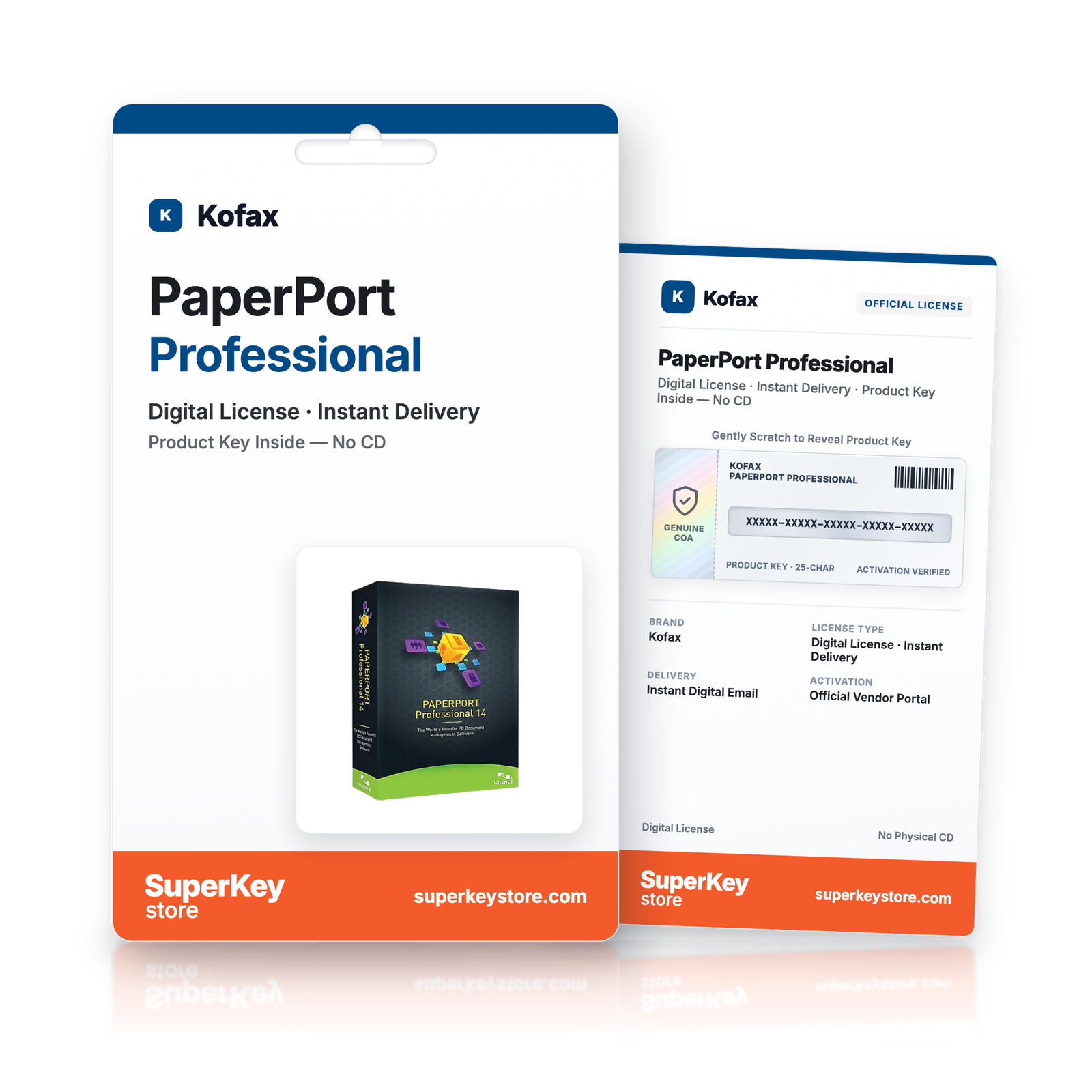
You get a PaperPort Professional license key, the download link and activation steps by email. PaperPort Professional is a Windows document management program from Kofax (now Tungsten Automation) that scans, organizes, searches and shares paper documents, PDFs and photos. No box or DVD is shipped.
| Detail | Value |
|---|---|
| Product | PaperPort Professional |
| Developer | Kofax (now Tungsten Automation) |
| Category | PDF & Office Tools |
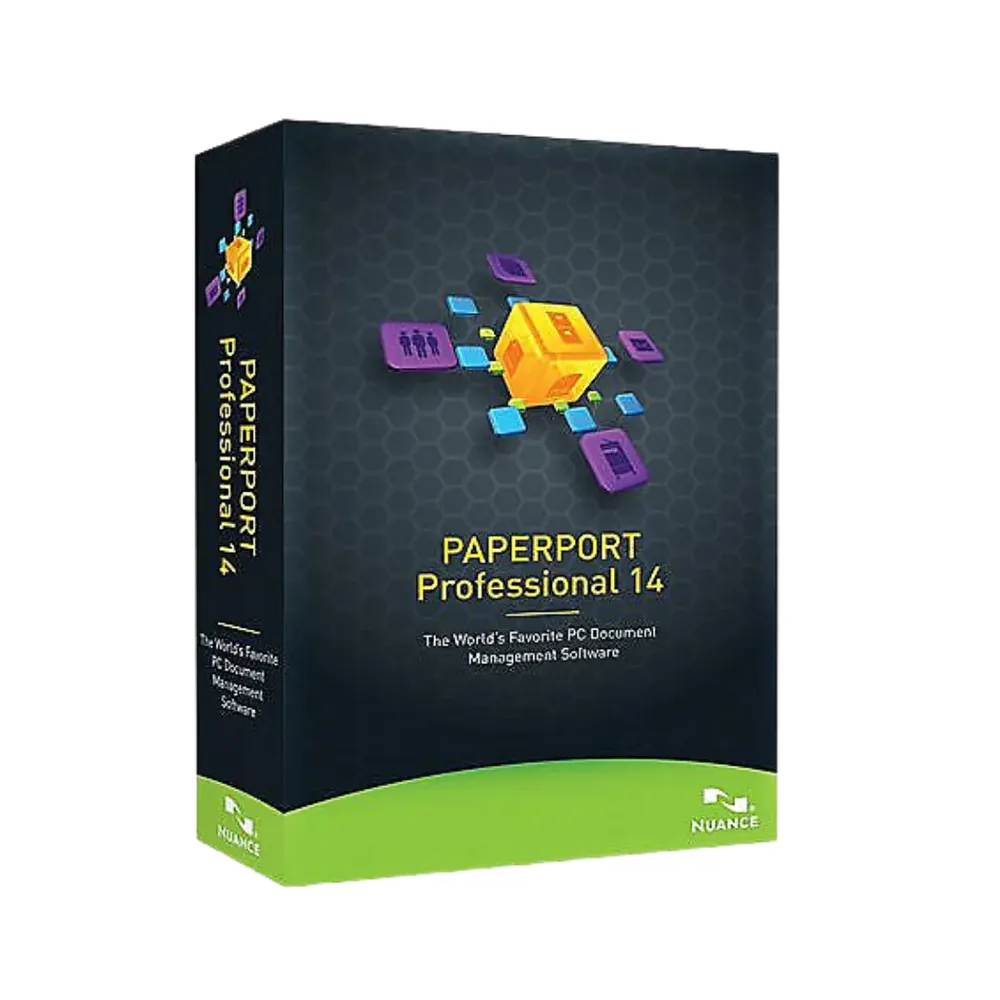
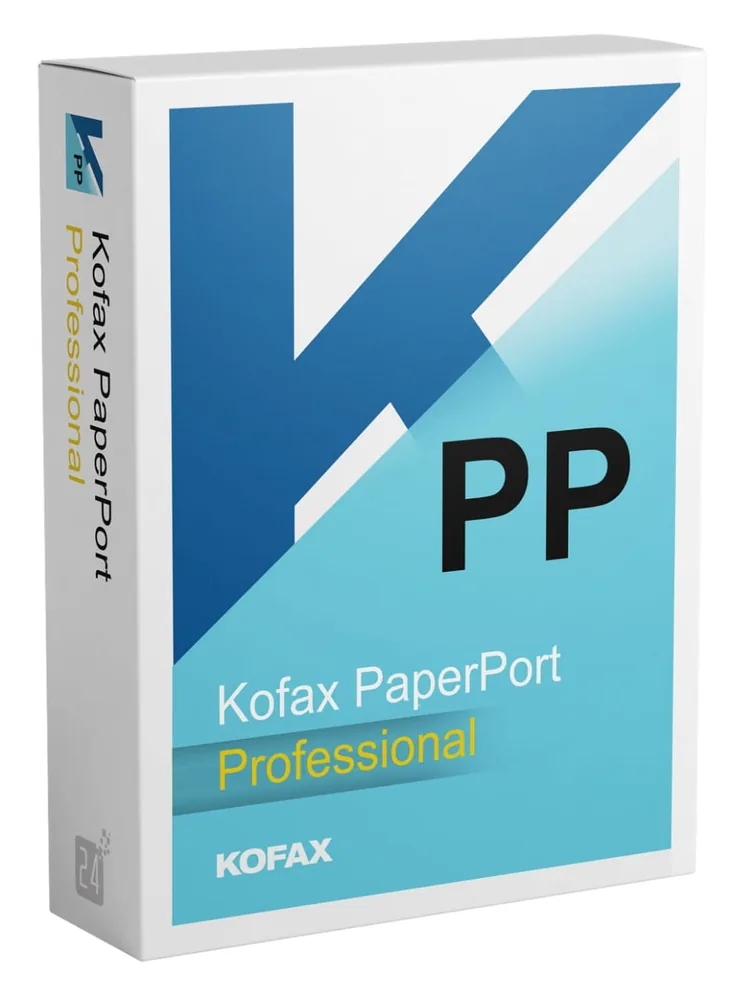
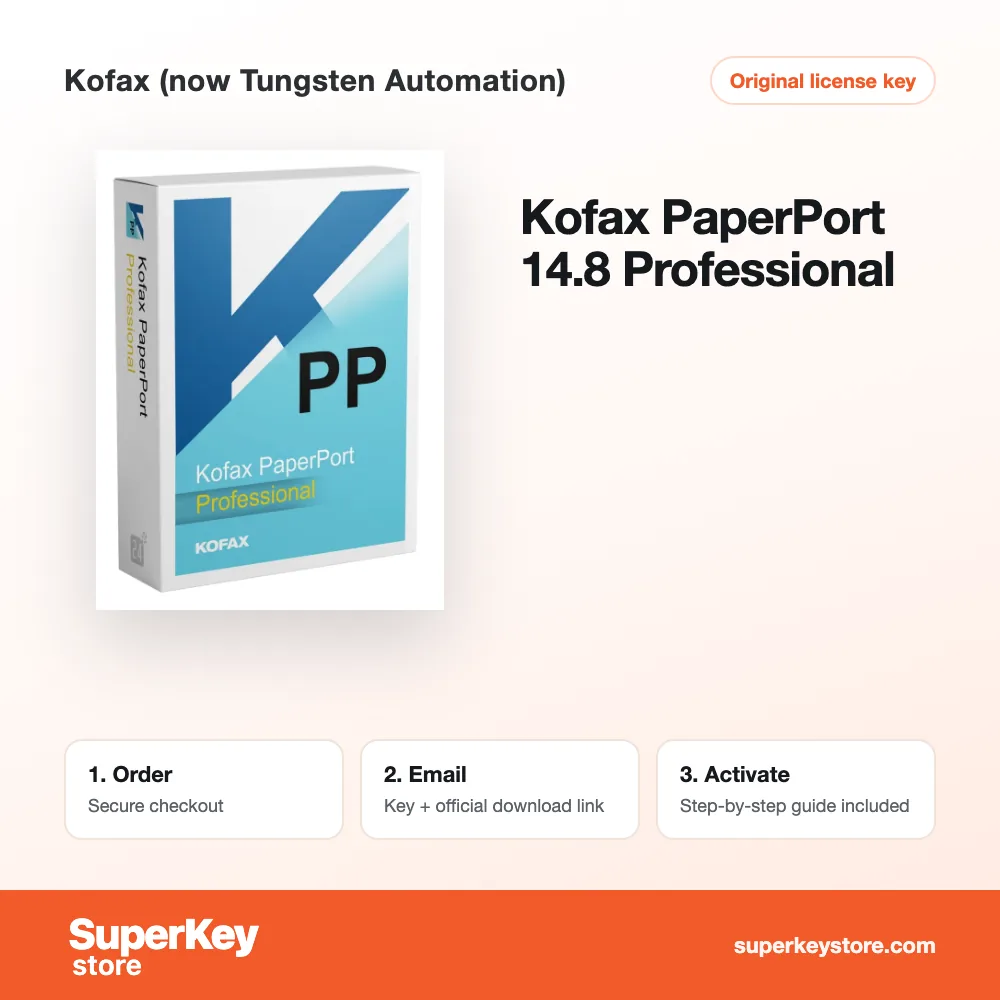
| Versions | 14 (Nuance), 14.5 (Nuance), 14.8 (Kofax) (choose the version above) |
| Delivery | License key and download link by email |
What does PaperPort Professional do?
PaperPort Professional turns paper documents into organized digital files. You scan letters, records and photos, and the program sorts them on your PC. You can search, edit, convert and share the files afterwards. Kofax is now part of Tungsten Automation.
What are the main features of PaperPort Professional?
PaperPort combines scanning, PDF tools and document management. The main features are:
- Scanning: captures documents from almost any scanner or multifunction device.
- Document organization: shows files as thumbnails so you can find them quickly.
- PDF Create: converts files from any application into standard PDFs or merges several files into one.
- PDF editing: creates and edits standards-compliant PDF files.
- OCR: recognizes text in scans so you can search and reuse it.
- Sharing: saves documents on the network, in Microsoft SharePoint or in the cloud.
- PaperPort Anywhere: opens files on iPhone, iPad and Android devices.
Who should use PaperPort Professional?
PaperPort suits offices that want to reduce paper and find records faster. Small businesses, law firms and medical practices handle many letters and forms. Digital files replace printers, fax machines and courier services for many tasks. This also reduces paper waste and energy use.
What is the difference between PaperPort Professional and PaperPort Standard?
Professional adds network, SharePoint and cloud features to the Standard edition. Standard covers scanning and organizing documents on a single PC. Professional suits teams that share files across the office. Home users can compare Kofax PaperPort 14 Standard. For advanced PDF work, see Kofax Power PDF 5.1 Advanced.
Why buy PaperPort Professional from SuperKeyStore?
Buying PaperPort Professional at SuperKeyStore includes:
- Original license: an original PaperPort Professional license key, activated through Kofax (now Tungsten Automation)’s official activation.
- Email delivery: the license key and the official download link arrive by email, usually within minutes of payment (some orders get a security check of up to 24 hours).
- Free technical support: our team helps by email with installation and activation ([email protected]).
- Replacement or refund: if the key does not work, you get a working key or your money back, as set out in our Refund Policy.
How do you redeem your PaperPort Professional key?
You redeem the key in a few steps after the order email arrives. The redemption guide for PaperPort Professional is:
- Open your order email, download the software with the official link and enter your license key when asked.
Your key also stays in your order email and under My account.
Download & Activation
Download PaperPort Professional with SuperKeyStore
Buying PaperPort Professional takes a minute: add it to your cart, pay through our secure, encrypted checkout and you receive your product key and the official download link by email, usually within minutes. Everything you need is in your order email, together with these instructions.
How to install and activate PaperPort Professional
- Open your order email, download the software with the official link and enter your license key when asked.
Stuck at any step? Email [email protected] with your order number and a screenshot. Our support is free, and if a key does not work we send a replacement or refund you, as set out in our Refund Policy.
Why choose PaperPort Professional
PaperPort Professional is delivered digitally and ready to use within minutes.
More software at SuperKeyStore
Popular with this product: Windows 11 Pro, Office 2024 Professional Plus, Microsoft 365 Personal. Browse all antivirus software and money-saving bundles.
Digital delivery
All our products are delivered digitally by email: no shipping costs, no waiting for a parcel and no packaging waste. Your key is stored in your order email and, if you created one, in your account, so you can find it again at any time.
FAQ
Is this a genuine license?
Yes. You receive a genuine license key with the official download link by email.
How fast will I receive my key?
By email, usually within minutes of payment. Some orders go through a short security check that can take up to 24 hours. Please check your spam folder too.
What if my key does not work?
Email us your order number and a screenshot of the error. We send a replacement or refund you, as described in our Refund Policy.
More questions? See our FAQ, Refund Policy or contact us.
- Free supportBy email
- Instant deliveryKey in minutes
- Secure paymentsEncrypted checkout
- Genuine licensesOfficial activation
- Working-key guaranteeReplacement or refund
Chosen for you
View all Kofax OmniPage Standard€78.98+ Add
 Ashampoo Money 26€11.98+ Add
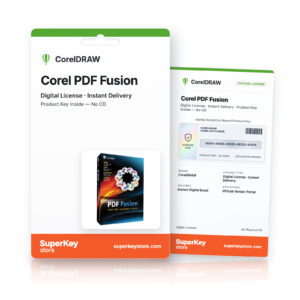 Corel PDF Fusion€22.98+ Add
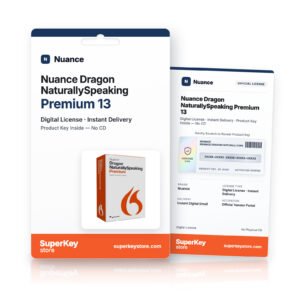 Nuance Dragon NaturallySpeaking Premium 13 Original price was: €100.98.€66.98Current price is: €66.98.+ Add
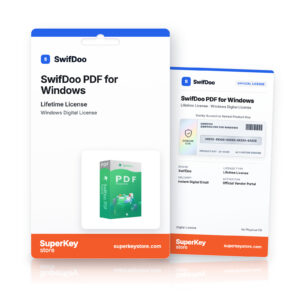 SwifDoo PDF for Windows€15.98 €113.98+ Add
Reviews
There are no reviews yet.